How to Use Pharmacy Apps to Track Potential Drug Interactions
 Jan, 12 2026
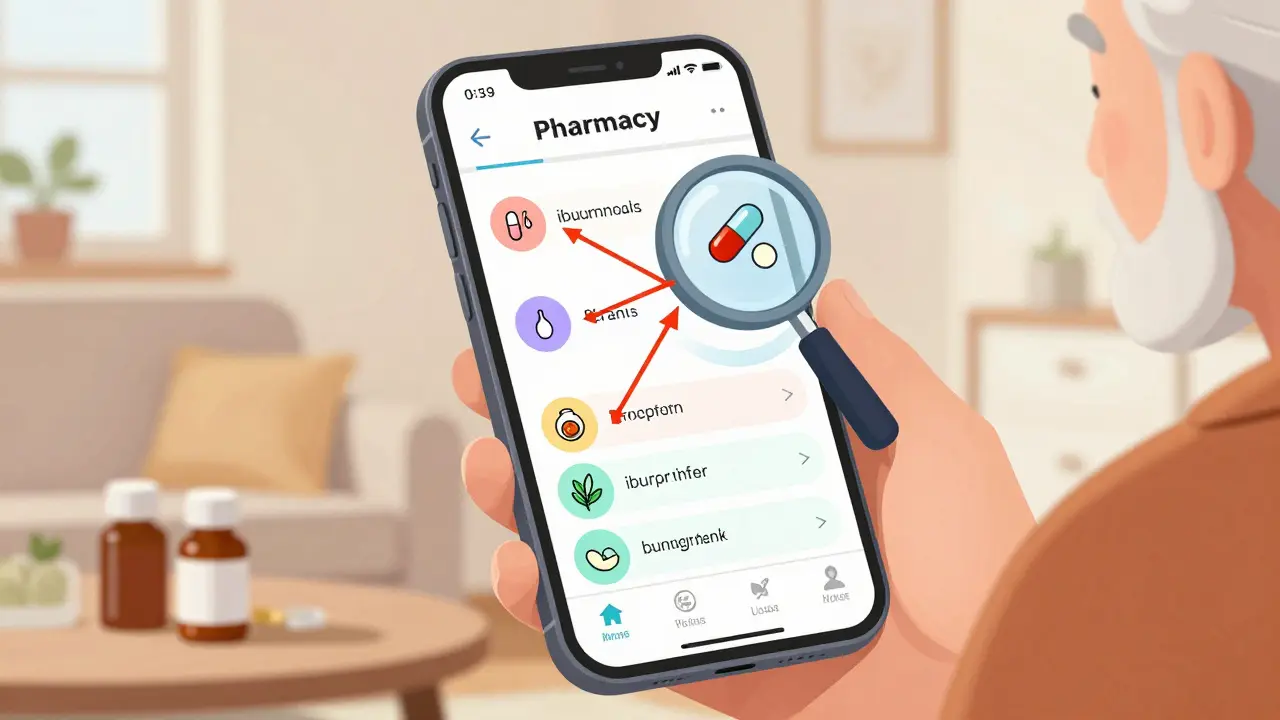
Every year, over 1.3 million people in the U.S. are injured because of drug interactions. Many of these cases happen because someone took a new pill without checking how it would react with what they’re already on. It’s not always a doctor’s mistake - sometimes it’s just a busy patient forgetting about their daily supplement or an over-the-counter painkiller they picked up last week. That’s where pharmacy apps come in. They’re not just for refills anymore. Today, they’re your personal drug interaction watchdog.
Why Drug Interactions Are More Common Than You Think
Most people think drug interactions only happen with strong prescriptions. That’s not true. A simple combination like ibuprofen and blood pressure medicine can drop your kidney function. St. John’s wort, a popular herbal supplement, can make birth control, antidepressants, and even some heart meds stop working. And if you’re over 65? You’re likely taking five or more medications. The NIH says 48% of seniors are in this boat. Each extra pill adds risk. Pharmacy apps help you see these hidden dangers before they become emergencies. They don’t just list interactions - they tell you how serious they are. Some apps will warn you that mixing two drugs could cause dangerous dizziness. Others might flag a combo that could lead to heart rhythm problems. The key is knowing which apps to trust and how to use them right.What Makes a Good Drug Interaction App?
Not all pharmacy apps are built the same. Some are made for doctors. Others are made for patients. And some are just fancy pill reminders with a basic checker slapped on top. Here’s what actually matters:- Database size: Look for apps that check over 6,000 drugs, including prescriptions, OTC meds, vitamins, and herbs. Smaller databases miss key interactions.
- Severity ratings: Good apps label risks as “contraindicated,” “major,” “moderate,” or “minor.” Don’t settle for ones that just say “possible interaction.”
- Offline access: You won’t always have Wi-Fi in a clinic or pharmacy. Apps like Lexicomp store data on your phone so you can check even without internet.
- Barcode and pill scanner: If you’re holding a pill and don’t know what it is, a camera scan can identify it in seconds. Epocrates’ scanner is 92% accurate as of 2025.
- Update frequency: New drug warnings pop up all the time. The FDA releases new interaction alerts monthly. Apps that don’t update regularly are outdated before you even open them.
Top Apps for Checking Drug Interactions
Here’s what the pros use - and what you can use for free:Epocrates (Best Overall)
Used by over a million healthcare workers, Epocrates is the gold standard. It checks up to 30 drugs at once, has a reliable pill scanner, and gives clear risk levels. The free version lets you check basic interactions. For full access - including overdose protocols and live pharmacist chat - it’s $49.99/month. Many nurses and pharmacists say it cuts their checking time by 15 minutes per shift.Drugs.com (Best Free Option)
If you don’t want to pay, Drugs.com is your best bet. It’s free, has no login, and checks prescriptions, OTCs, and supplements. Its interaction checker is accurate for most common combos. The downside? It’s packed with ads. One user reported pop-ups appearing right as they were reviewing a high-risk combo - a real safety hazard.Lexicomp (Best for Hospitals and Complex Cases)
Used in 65% of U.S. hospitals, Lexicomp is the powerhouse. It includes IV compatibility, pharmacogenomics (how your genes affect drug response), and patient education sheets. It’s not user-friendly for beginners, but if you’re managing five or more meds, especially with kidney or liver issues, it’s worth the $199/year. It works offline and updates daily.UpToDate (Best for Clinical Depth)
If you need to know not just that two drugs clash, but what to do about it, UpToDate delivers. It tracks up to 50 medications at once and includes overdose symptoms, treatment steps, and toxidromes (poisoning patterns). It’s expensive for individuals - $499/year - but many clinics already have subscriptions. Worth asking your doctor if they use it.Medisafe (Best for Patients and Caregivers)
Designed for people managing their own meds, Medisafe lets you add pills, set reminders, and share your list with family members. It checks interactions but simplifies the warnings. One study found it missed 37% of major interactions compared to professional apps. Great for reminders and caregiver coordination, but never rely on it alone for high-risk meds like blood thinners or heart drugs.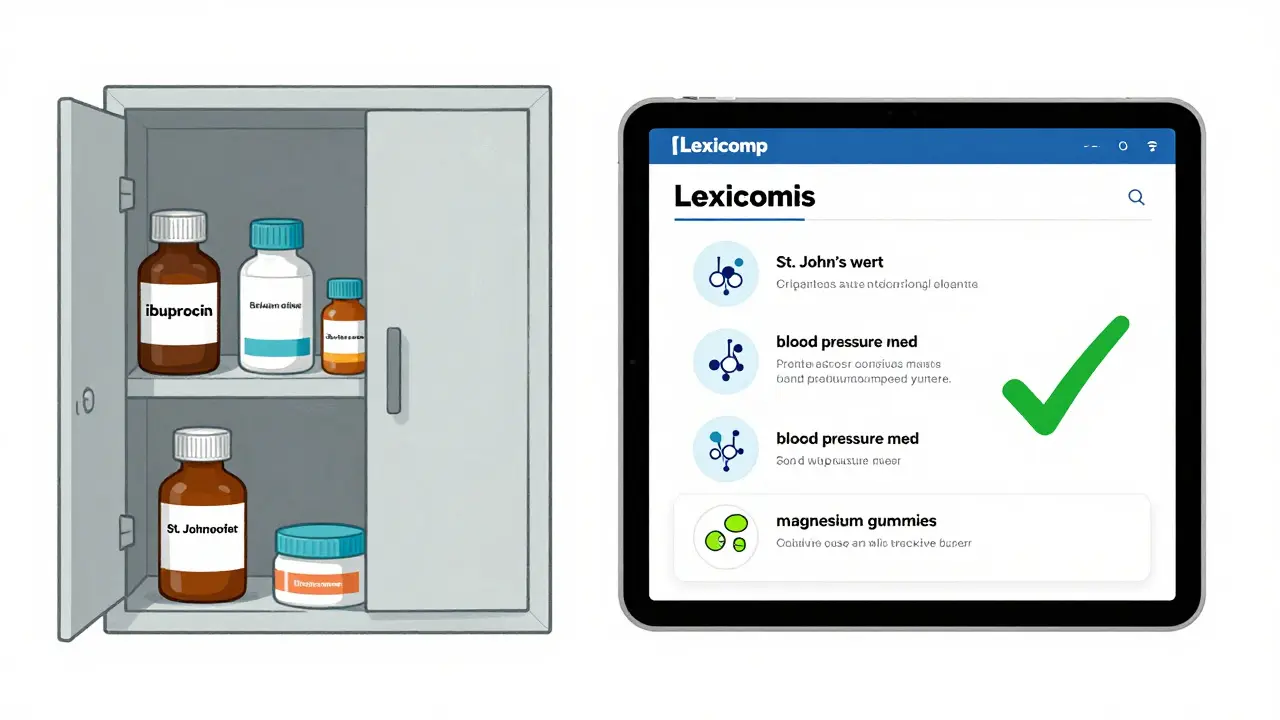
How to Use a Pharmacy App Like a Pro
Using these apps isn’t just about tapping a button. Here’s how to get the most out of them:- Start with a full list: Write down every pill, patch, drop, and supplement you take - even the ones you only use once a week. Don’t forget herbal teas, CBD oil, or magnesium gummies. These count.
- Enter them one by one: Use search, barcode scan, or camera ID. Don’t guess. If you don’t know the name, take a picture of the pill and use the scanner.
- Check before adding anything new: Never start a new medication without checking it against your full list. Even if your doctor prescribed it, the app might catch a hidden conflict.
- Read the advice, not just the label: If the app says “major interaction,” don’t ignore it. Look at the suggested alternatives or dosage changes. Some apps will say, “Avoid this combo - use X instead.”
- Double-check with a second app: A 2023 JAMA study found that 28% of drug pairs had different risk ratings across apps. Use Epocrates and Drugs.com together for a safety net.
- Update your list weekly: Your meds change. So should your app. Delete discontinued drugs. Add new ones immediately.
What to Do When an App Flags a Risk
An app says your blood thinner and a common painkiller could cause bleeding? Don’t panic. Don’t stop your meds. Do this:- Write down the exact interaction warning.
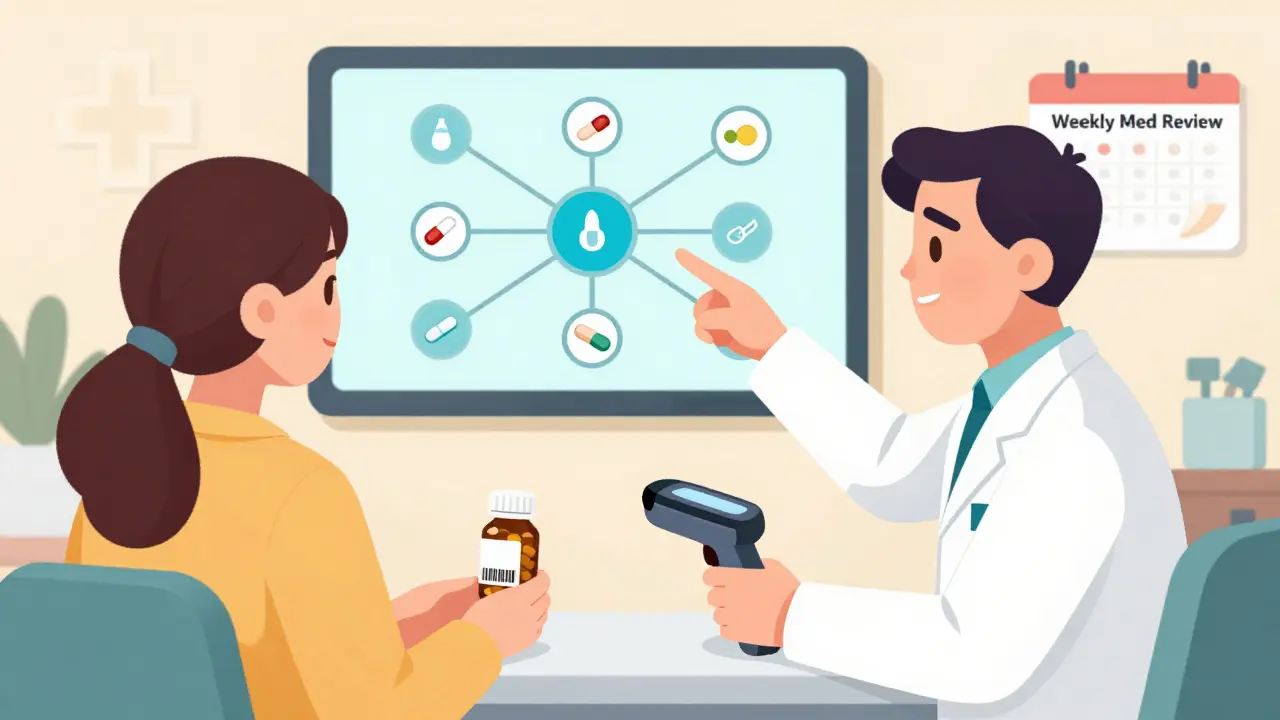
- Call your pharmacist. They’re trained to interpret these alerts.
- Ask your doctor: “Is there a safer alternative?”
- Never stop a heart, seizure, or mental health med without medical advice.
Red Flags to Watch Out For
Not all apps are safe. Here’s what to avoid:- Apps that don’t list their source: If it doesn’t say it uses Lexicomp, Micromedex, or FDA data, skip it.
- Apps with too many ads: Pop-ups during a critical check can be dangerous. Drugs.com is useful but risky if you’re in a hurry.
- Apps that only check prescriptions: If it ignores vitamins, herbs, or OTCs, it’s incomplete.
- Apps that don’t update: Check the App Store or Google Play date. If it hasn’t been updated in over a year, it’s outdated.
- Apps that say “no interactions found” too easily: If you add 10 meds and get zero warnings, it’s probably not checking deeply enough.
Why This Matters More Than Ever
The market for these apps is exploding. It’s worth $3.2 billion today and expected to hit $8.7 billion by 2028. Why? Because more people are taking more meds. Medicare now requires interaction checks for all Part D prescriptions. Hospitals are mandated to use professional-grade tools. And with AI now predicting interactions based on your age, weight, and health conditions, these apps are getting smarter. But the real win? You’re no longer powerless. You don’t have to trust your memory or hope your doctor caught everything. You can take control - with a few taps on your phone.Can I rely on free pharmacy apps to check drug interactions?
Free apps like Drugs.com are useful for basic checks, but they’re not foolproof. Studies show they miss 30-40% of major interactions compared to professional tools like Lexicomp or Epocrates. Use them as a first pass, but always verify high-risk combinations with a paid app or your pharmacist.
Do pharmacy apps check supplements and herbs?
Yes, the best ones do. St. John’s wort, garlic supplements, and even green tea can interfere with medications. Apps like Epocrates, Lexicomp, and Drugs.com include herbal and supplement data. Always enter them - don’t assume they’re harmless.
Are pharmacy apps accurate enough for older adults?
Professional apps like Lexicomp and Epocrates are designed with aging in mind. They account for slower metabolism, kidney changes, and drug sensitivity common in seniors. But patient apps like Medisafe simplify warnings too much. For anyone over 65 on five or more meds, use a professional-grade app and double-check with a pharmacist.
Can pharmacy apps replace a pharmacist’s advice?
No. Apps are tools, not replacements. Pharmacists understand context - like your kidney function, other illnesses, or recent lab results - that no app can fully assess. Always call your pharmacist if an app flags a serious interaction. They can tell you if it’s a real risk or just a theoretical one.
How often should I update my medication list in the app?
Update it every time you start, stop, or change a dose - even for a single pill. Many interactions happen after a new prescription is added. Set a weekly reminder to review your list. It takes two minutes but could prevent a hospital visit.
Do I need to pay for a pharmacy app?
Not always. Drugs.com is free and reliable for most everyday checks. But if you’re managing complex meds - like blood thinners, diabetes drugs, or heart conditions - investing in Epocrates ($49.99/month) or Lexicomp ($199/year) is worth it. Your safety is worth more than a monthly fee.
Faith Wright
January 12, 2026 AT 15:17Jessica Bnouzalim
January 13, 2026 AT 14:43Bryan Wolfe
January 15, 2026 AT 01:55gary ysturiz
January 16, 2026 AT 06:56laura manning
January 18, 2026 AT 03:50Katherine Carlock
January 18, 2026 AT 12:11Faith Wright
January 19, 2026 AT 16:12Sumit Sharma
January 21, 2026 AT 01:55Lawrence Jung
January 21, 2026 AT 04:09Jay Powers
January 22, 2026 AT 22:02Eileen Reilly
January 23, 2026 AT 18:30Alex Fortwengler
January 24, 2026 AT 13:22Sona Chandra
January 25, 2026 AT 11:16jordan shiyangeni
January 26, 2026 AT 00:08Faith Wright
January 26, 2026 AT 05:26